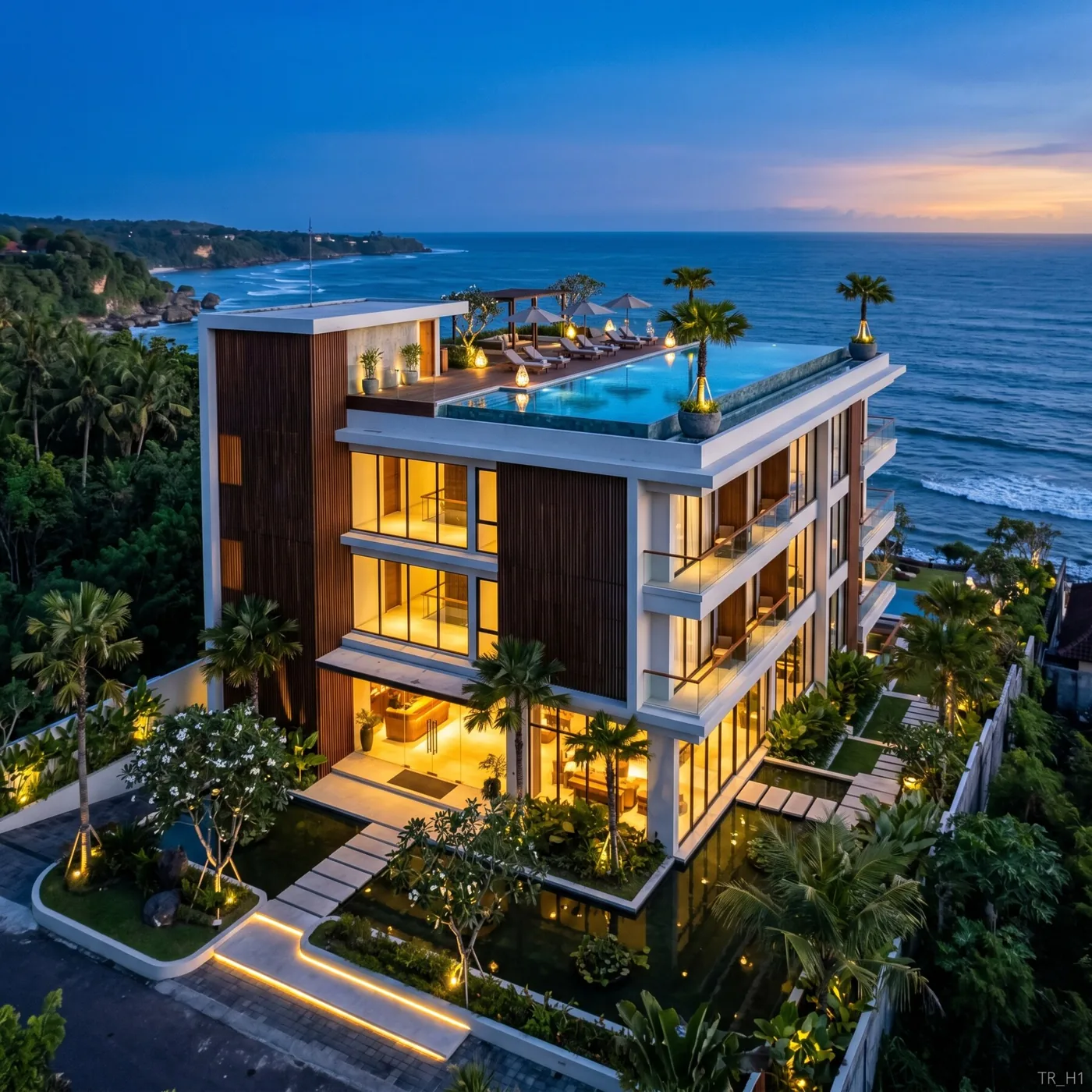
Real estate is sold on imagination. A buyer walks an empty plot or a bare shell and has to picture the finished home — and most people can't. AI rendering hands them the picture. For developers selling off-plan, agents marketing listings, and investors pitching schemes, it has quietly become one of the highest-leverage tools available. Here's the practical playbook.
The problem AI rendering solves for real estate
Property decisions are emotional and visual, but the product is often invisible at the point of sale:
- Off-plan developments don't exist yet — buyers commit based on renders.
- Empty listings show badly; unfurnished rooms feel small and cold.
- Renovation opportunities require buyers to see past what's there.
- Investment pitches live or die on whether the deck feels real.
Traditional visualization solves this but slowly and expensively — studio fees per image, days per revision. That cost forces teams to render only the hero shots and skimp everywhere else. AI rendering collapses the cost and time enough that you can visualize everything, consistently, across a whole portfolio.
Five ways real estate teams use AI rendering
1. Off-plan development visuals
Turn architectural plans and models into photorealistic exteriors and interiors that buyers can commit to. Because AI holds geometry when you flag inputs as drawings, the renders match the approved scheme — critical when you're selling a specific unit layout, not a fantasy.
2. Virtual staging of empty listings
An empty room photographed for a listing looks smaller and sadder than it is. Upload the photo, keep the layout, and furnish it in a style that matches the target buyer — Scandinavian for a young professional, warm traditional for a family. Staging that once cost a physical crew now takes a minute per room.
3. Renovation "before and after"
Show a tired property as it could be. Upload the current photo and render a modernized version — new kitchen, refinished floors, opened-up living space (stated explicitly) — so buyers see the upside instead of the dated reality.
4. Consistent portfolio imagery
Developers with multiple projects need a consistent visual language across a website and brochures. A repeatable AI workflow with a fixed style vocabulary produces images that look like one brand, not ten different studios.
5. Investor and pitch decks
The single most persuasive slide in a development pitch is the finished building sitting on the real site. Use a placement workflow — the empty plot photo plus a villa reference — to composite a believable "this is what we're building, here" image.
A repeatable workflow for listings and pitches
Consistency beats brilliance in real estate marketing. Standardize a process:
- Collect inputs — plans, models, or listing photos.
- Flag CAD/sketch inputs as drawings so geometry is preserved and the CAD look is dropped.
- Apply your house style — a fixed prompt vocabulary for materials, lighting, and mood that matches your brand and buyer.
- Generate the set — exterior, key interiors, context/placement.
- Refine in a sentence — match lighting across images so the set feels coherent.
- Reuse the recipe for the next unit or project.
A documented recipe means anyone on the team can produce on-brand renders without a visualization background.
Pricing math that matters
The economics are what make AI rendering a no-brainer for real estate. Traditional studio visualization can run into hundreds of dollars per hero image and days per revision. AI rendering is priced per render — often a fraction of a dollar to a few dollars — with revisions costing seconds and cents.
For a developer visualizing a 12-unit project across exteriors and interiors, that's the difference between rendering three hero shots and rendering everything — every unit type, every key room, every context view — for less than a single traditional hero shot used to cost. More complete imagery sells more units.
Pay-as-you-go credits also mean you're not locked into a subscription during slow months, and per-render cost is trivially easy to bill back to a project.
Compliance and honesty
One professional caveat: renders must be honest. Buyers and regulators increasingly expect visuals to represent the actual product, not an idealized fiction.
- Keep geometry faithful to the approved scheme — don't render a bigger balcony than the plan allows.
- Label images as artist's impressions where your market requires it.
- Don't stage away real defects you're legally obliged to disclose.
Used honestly, AI rendering isn't deception — it's translation, turning plans a layperson can't read into a picture they can.
Who benefits most
Developers get complete, consistent off-plan imagery for a fraction of past cost, so every unit is well-marketed, not just the flagship.
Agents stage empty and dated listings in minutes, presenting properties at their best and moving them faster.
Investors and syndicators pitch with decks that feel real, closing funding rounds on the strength of images that would previously have blown the marketing budget.
Getting started
Pick one live listing or one off-plan unit. Gather the photo or plan, flag drawings as drawings, apply a single clear style prompt, and produce a small set — exterior plus two interiors. Compare it to what you'd have shown otherwise, and to what a studio would have charged. The case makes itself.
For the underlying techniques, see our SketchUp-to-render workflow for exteriors, the AI interior design guide for staging, and a full Bali villa case study that runs the whole process end to end.