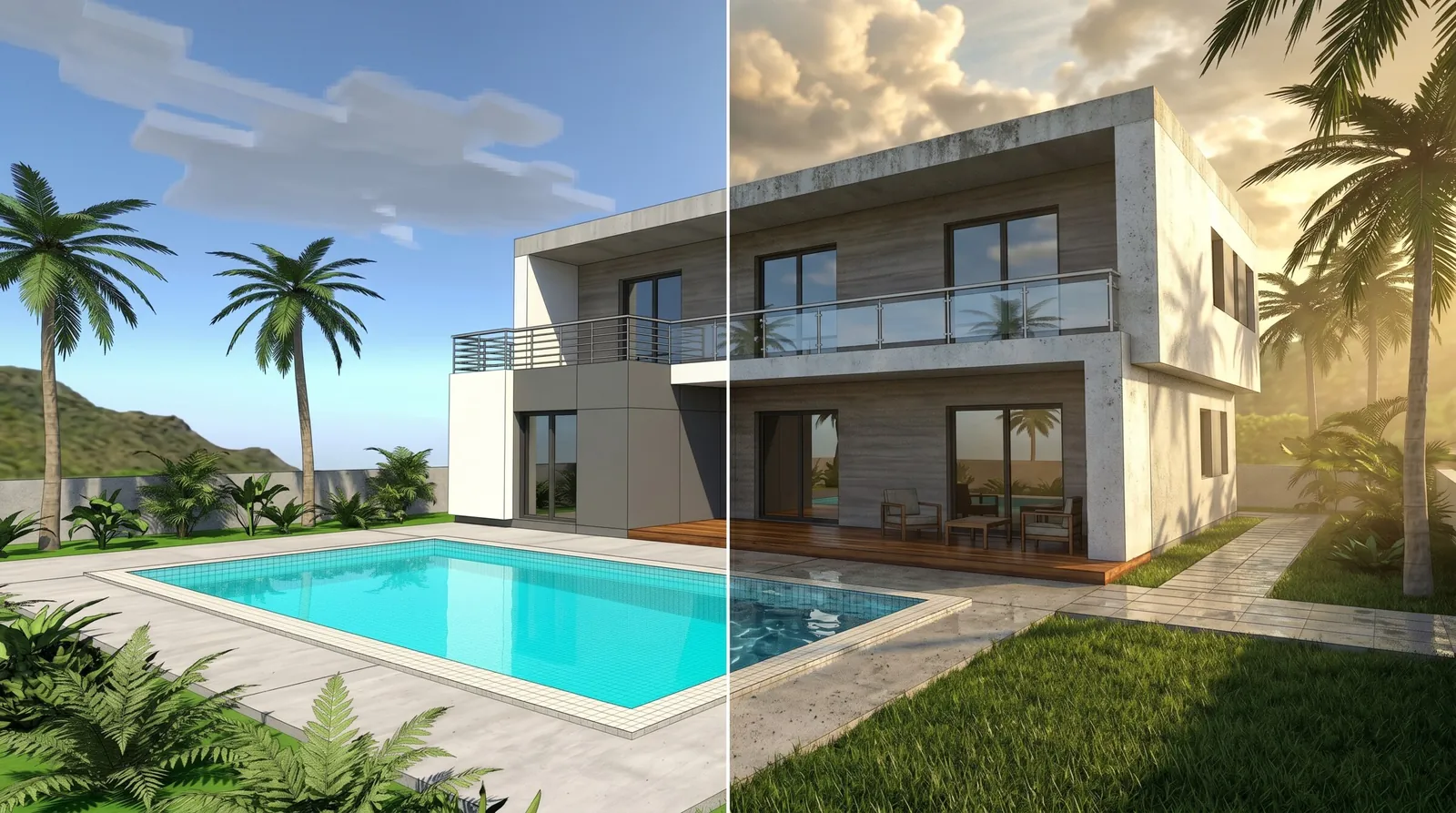
Renovation is stressful for one reason above all: you're spending real money on something you can't see yet. You approve a plan, the work begins, and only at the very end do you find out whether it matches what you pictured. By then it's too late to change your mind cheaply. What if you could see the "after" before the work starts? In 2026 you can — from a simple photo, in about a minute. Here's how it changes everything.
Why "seeing it first" matters so much
Most renovation regret comes from a gap between what people imagined and what actually got built. That gap is expensive:
- A color that looked great in your head feels wrong on the wall.
- A layout change that seemed clever turns out cramped.
- You and your contractor pictured two different things the whole time.
- You second-guess decisions mid-project, causing costly delays.
Every one of these is a communication failure — a picture that lived in someone's head instead of on a screen where everyone could agree on it. Visualizing the result first closes that gap before a single euro is spent on demolition.
What renovation visualization does
It's straightforward: you photograph the room as it is now, and get back a realistic picture of how it will look after the renovation. Same room, transformed — new finishes, new colors, new furniture, sometimes a new layout.
This lets you:
- See the "after" before committing to the work.
- Compare directions — modern vs. classic, light vs. moody — on your real space.
- Agree with your contractor on an exact visual target.
- Show your family what's coming, so everyone's on board.
Step by step
1. Photograph the current space
Capture the whole room from a doorway or corner, in good light. Don't worry that it looks dated or messy — that's the "before," and that's the point.
2. Upload the photo
Open the tool in a browser and upload it. Nothing to install.
3. Describe the renovation you want
Plain words work best. Be specific about what changes:
"Renovated kitchen, white cabinets and oak counters, light tile floor, modern lighting, bright and clean."
If you want a structural change — removing a wall, opening the kitchen to the living room — say it clearly. If you want the layout kept, just describe finishes and furniture.
4. See the result and refine
In about a minute you have your "after" picture. Want to try a darker counter, or warmer light, or a different floor? Ask for that change and compare — as many times as you like, for pennies each.
A powerful use: before-and-after pairs
Put the original photo and the visualized result side by side and you have a genuine before-and-after — the single most persuasive thing in any renovation conversation. It's useful for:
- Getting quotes — contractors understand exactly what you want, so their prices are accurate.
- Family decisions — everyone sees the same future room and agrees.
- Selling a property — show buyers the potential of a place that needs work (see how this helps in real estate).
- Your own confidence — you commit to the project knowing what you're getting.
The money argument
Renovation visualization isn't just nice to have — it saves real money:
- Fewer mid-project changes. Changes during construction are the most expensive kind. Deciding on a screen first avoids them.
- Accurate quotes. Contractors bidding against a clear picture quote more accurately, with fewer surprise overruns.
- No expensive regret. A wrong color redone is hundreds of dollars; a wrong color caught in a one-minute preview is free.
At roughly a dollar per picture, visualizing several directions costs less than a single tin of the wrong paint.
What it can and can't do
It can: show you a convincing, realistic picture of the finished space; let you compare options; align you and your contractor.
It can't: replace a builder's technical drawings, structural assessments, or measurements. It's the vision, not the construction documentation. Your contractor still does the engineering — but now they're building toward a picture you've both agreed on.
Start before you demolish
The best moment to visualize a renovation is before it begins — while every option is still cheap to change. Take a photo of the room today, describe the transformation you want, and see the result in a minute. Then start the work knowing exactly where it's going.
For a single room refresh, see apartment design online. Building new rather than renovating? Read home rendering online.