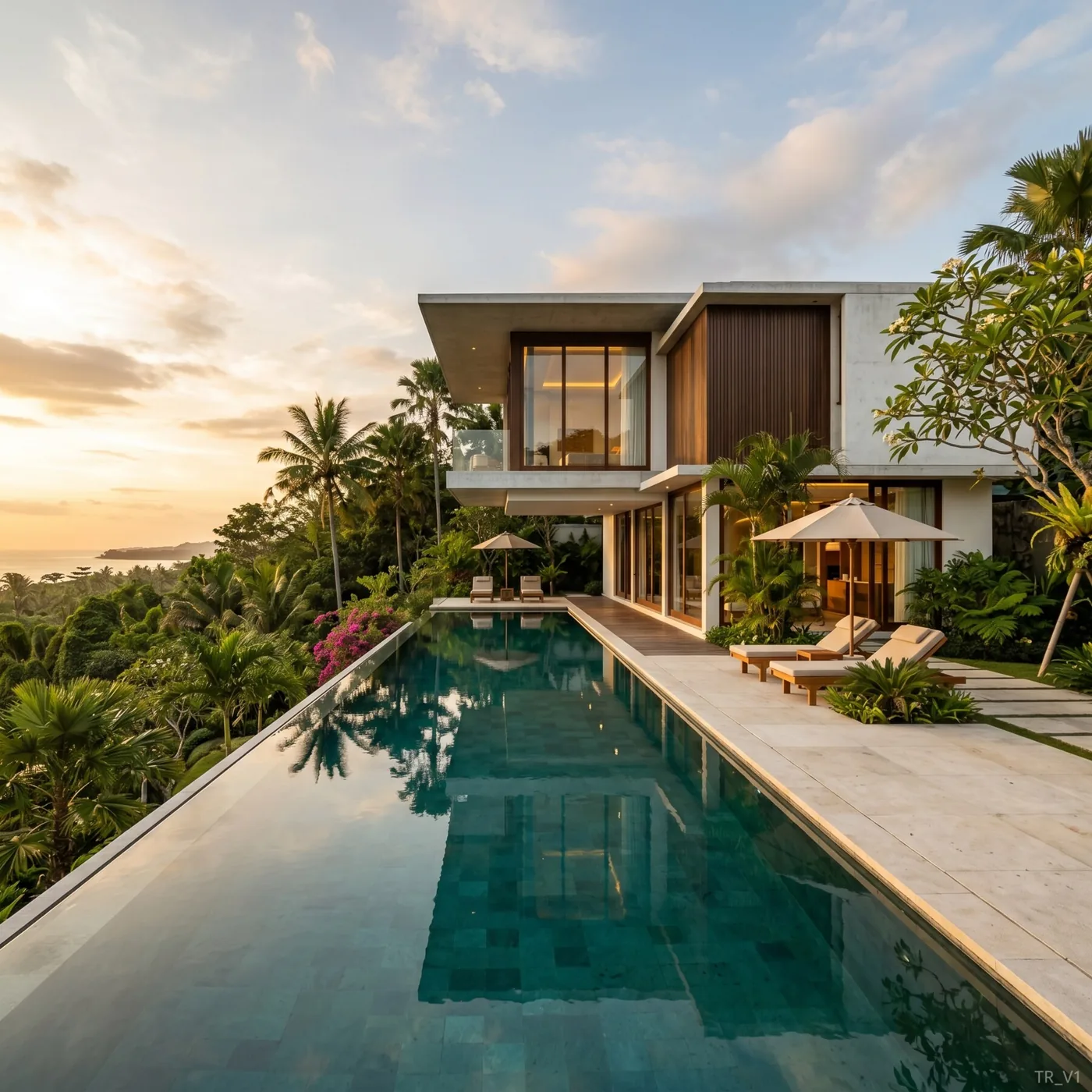
The AI rendering space matured fast. In 2024 these tools were a novelty; by 2026 they are a standard part of the architectural workflow. But "AI rendering" now covers everything from general image models to purpose-built architectural engines, and they are not interchangeable. This guide breaks down the categories, the criteria that actually matter, and how to choose.
The three categories of AI rendering tools
Not all AI renderers solve the same problem. It helps to sort them into three buckets.
1. General-purpose image models
These are the large text-to-image and image-to-image models. They're astonishing generalists and can produce beautiful architecture — but they were not built to respect a floor plan or preserve a building's massing. Ask one to render your SketchUp export and it may give you a gorgeous building that isn't your building.
Best for: mood boards, early inspiration, non-technical concept art. Weak at: geometry fidelity, preserving a specific design, iterating on a real project.
2. Plugin-based real-time renderers with AI features
Established real-time engines have bolted AI enhancement onto traditional pipelines — AI denoising, style transfer, upscaling. You still model, assign materials, and set lights, but AI accelerates parts of it.
Best for: studios already invested in a plugin ecosystem who want incremental speed-ups. Weak at: the "upload and go" speed that solo architects and small studios want; still requires the full traditional setup.
3. Purpose-built architectural AI engines
These are trained and tuned for the architect's actual inputs — sketches, 3D-model exports, floor plans, site photos — and are designed to preserve geometry while re-rendering surfaces and light photorealistically. They trade some open-ended creativity for control and fidelity to your design.
Best for: architects, designers, and developers who need their project rendered, fast. Weak at: free-form fantasy art (which isn't the job anyway).
Tropico Render sits firmly in this third category, with an architectural focus on villas, tropical and resort projects, and the specific sketch-to-render, plan-to-3D, and placement-on-plot tasks that come up daily.
The criteria that actually matter
Marketing pages love to talk about resolution and model size. In practice, five things decide whether a tool earns a place in your workflow.
Geometry fidelity
Does the output actually match the building you designed? A stunning render of the wrong massing is useless to a client who approved a specific scheme. Purpose-built engines with an explicit "this is a 3D model / drawing" mode preserve proportions far better than general models.
Speed to first image
The whole point is to compress the loop. A tool that returns a photorealistic image in ~60 seconds changes how you work — you iterate live in a client meeting. A tool that takes 20 minutes is still batch-and-wait.
Control and iteration
Getting a good first image is table stakes. The real question is: when 90% is right, can you fix the last 10% in one sentence — "add a pool, change to sunset, white stone instead of brick" — without losing the camera, aspect ratio, and style? Refinement, not regeneration, is where hours are saved.
Task fit
Generic "render my image" is less useful than task-aware flows: sketch → render, floor plan → 3D exterior, empty plot → placed villa, bare shell → furnished interior. Task-specific pipelines encode the right defaults so you write less prompt and get better results.
Pricing model
Subscription, credits, or per-render? For freelancers and small studios, pay-as-you-go credits avoid the trap of paying a monthly fee for a slow month. Transparent per-render pricing also makes it easy to bill visualization back to a client.
A practical comparison framework
Rather than rank named products (which change monthly), score any tool you're evaluating against this matrix. Give each a 1–5:
| Criterion | Why it matters | Question to ask |
|---|---|---|
| Geometry fidelity | Client approved a specific design | Does it keep my massing and proportions? |
| Speed | Iteration in real time | Time to first photorealistic image? |
| Refinement | Fix the last 10% cheaply | Can I edit in one instruction? |
| Task fit | Less prompting, better defaults | Are there sketch/plan/placement modes? |
| Pricing | Match cost to usage | Credits or forced subscription? |
| Bilingual / support | Real humans, your language | Can I reach a person who answers? |
Total the scores and the right tool for your work usually separates from the pack quickly.
Matching the tool to the user
Solo architects & small studios. You want upload-and-go speed, credit pricing, and strong geometry fidelity so client-approved designs render faithfully. Purpose-built engines win here.
Interior designers. Prioritize interiors fidelity — the ability to keep a room's layout while restyling materials, furniture, and light. See our AI interior design guide for the workflow.
Real estate & developers. You need volume, consistency across a portfolio, and fast turnaround for listings and pitches. Read how developers use AI rendering.
Visualization specialists. You may keep a traditional GPU renderer for final hero shots and use AI for rapid exploration and client buy-in — a hybrid that's increasingly standard.
What to ignore in 2026
A few things that sound important but rarely change the outcome:
- Raw model names and parameter counts. The output quality on architectural inputs is what matters, not the underlying model's headline stats.
- Maximal creativity. For real projects you want control, not surprise. A tool that faithfully renders your design beats one that invents a prettier building you didn't design.
- Feature lists you'll never use. Ten export formats and twenty style presets mean nothing if geometry fidelity is weak.
The bottom line
By 2026 the winning AI rendering tool for most architects isn't the most creative or the largest — it's the one that respects your geometry, returns a photorealistic image in about a minute, lets you refine in a sentence, and charges per render. Score your options against the matrix above, weight the criteria for your role, and you'll land on the right one without chasing hype.
If you design in SketchUp, start with our SketchUp-to-render workflow. If you work on tropical or resort projects, our Bali villa case study shows the approach end to end.