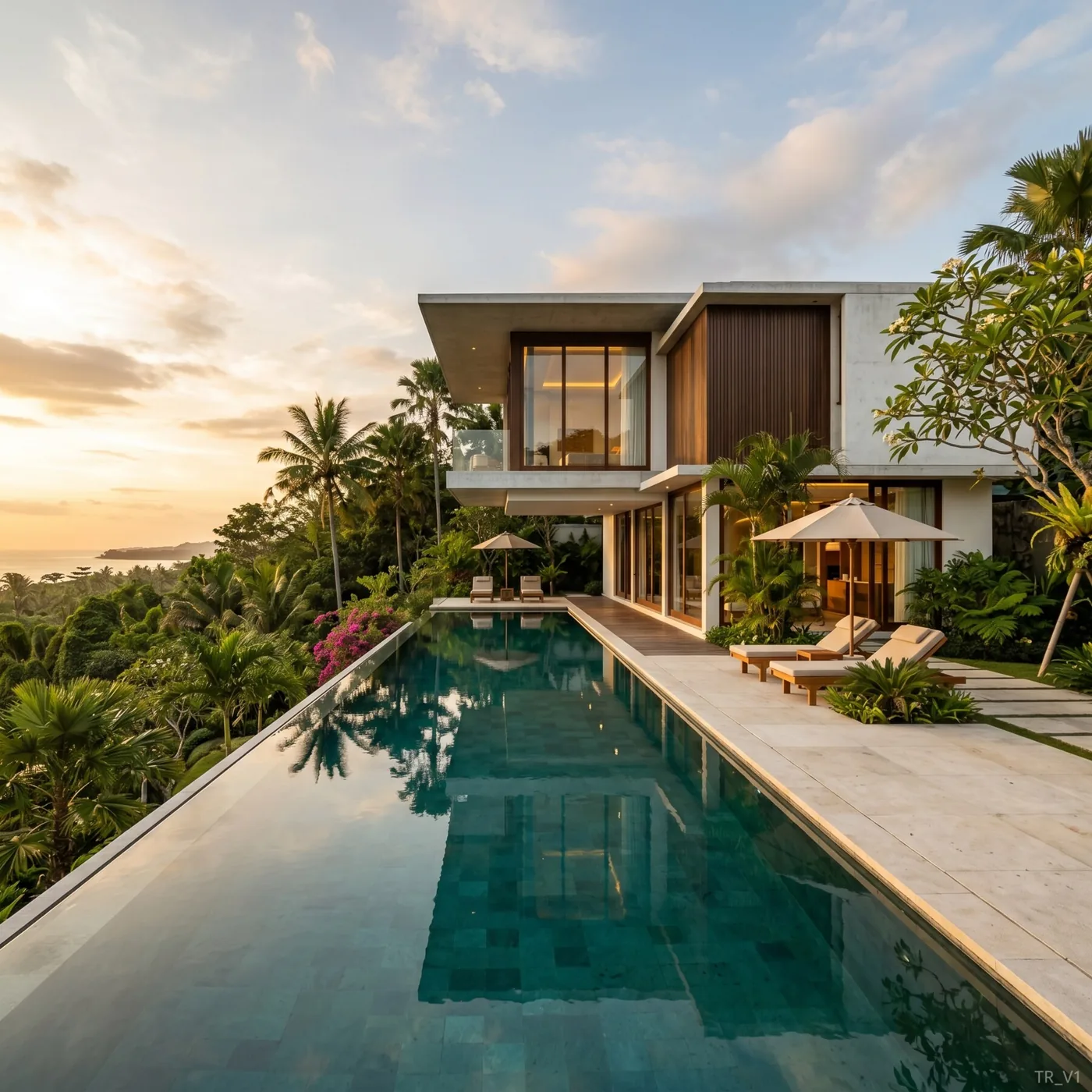
Architectural visualization used to be a specialist trade with specialist prices. If you wanted a realistic picture of a building, you paid a studio, waited days, and needed someone who owned expensive 3D software. That's still an option — but in 2026 it's no longer the only one, and for most people it's no longer the best one. This is a plain-English tour of the visualization landscape and how to get a great result fast, without installing anything.
The visualization landscape in 2026
Broadly, there are three ways to get a building visualized today. They differ enormously in price, speed, and who they're for.
Option 1: Traditional visualization studios
You brief a studio, they build a detailed 3D scene, and they deliver polished images.
- Price: roughly $300–$1,000+ per image.
- Time: several days to a couple of weeks.
- Best for: flagship marketing images where absolute polish is worth the cost and wait.
- Downside: slow, expensive, and every revision restarts the clock.
Option 2: Doing it yourself with 3D software
You buy and learn a 3D modeling and rendering package, then produce images yourself.
- Price: software licenses plus a serious time investment to learn.
- Time: hours per image once you're skilled — plus weeks or months to get skilled.
- Best for: professionals who visualize constantly and need total control.
- Downside: a steep learning curve most people will never justify.
Option 3: Online visualization services
You upload a sketch, plan, or photo in your browser, describe the result, and get a picture back in about a minute.
- Price: around $1 per picture, pay-as-you-go.
- Time: ~60 seconds.
- Best for: almost everyone — homeowners, agents, renovators, and even professionals who want speed.
- Downside: interpretive rather than millimeter-exact; not a replacement for construction drawings.
Comparing them at a glance
| Studio | DIY 3D software | Online service | |
|---|---|---|---|
| Cost per image | $300–1,000+ | Software + your time | ~$1 |
| Time to result | Days–weeks | Hours (after months learning) | ~60 seconds |
| Skill required | Handled for you | High | None |
| Changes | Paid, slow | You do them, slow | A sentence, instant |
| Software to install | None (theirs) | Yes | None |
For the vast majority of needs, the online route wins on every axis that matters to a normal person: it's cheaper, faster, and requires no skill or software.
"No 3D software needed" — what that really means
The phrase does a lot of work, so let's be concrete. With an online service you never:
- Buy or install a modeling program.
- Learn how to build a 3D scene.
- Assign materials or set up lighting by hand.
- Own a powerful computer or rent a render farm.
You work entirely in your browser. You upload what you have — even just a phone photo or a sketch on paper — and describe what you want in ordinary language. The technology handles the rest. It's the difference between developing film in a darkroom and taking a photo on your phone: same result, none of the craft required.
How to get a fast result today
- Gather your input — a sketch, a floor plan, a plot photo, or a photo of a room.
- Open the tool in your browser — nothing to install.
- Upload it — and if it's a drawing or 3D model, tick the box that says so.
- Describe the result in plain words — style, materials, light, surroundings.
- Get your picture in about a minute, and refine it with a sentence if needed.
That's the entire process. Most people finish their first render in less time than it took to read this section.
Which option should you choose?
- Building or renovating a home? Online is the obvious start — cheap, fast, no skills. See home rendering online and renovation visualization.
- Designing an apartment interior? Online, from a photo of the room. See apartment design online.
- A professional presenting to clients? Online for speed and volume, a studio only for the occasional flagship image. See how to present your project to a client.
- A visualization specialist producing a hero campaign? A studio or your own 3D pipeline still has a place — but you'll likely use online tools for fast exploration first.
The honest caveat
Online visualization is interpretive: it produces a convincing, realistic picture, not a dimensioned technical drawing. For selling, deciding, comparing, and getting excited, that's exactly right. For pouring a foundation, you still need your architect's and engineer's documents. The two aren't in competition — one is the picture, the other is the plan.
The takeaway
The old assumption that a good building render costs hundreds of dollars, takes days, and needs specialist software is simply out of date. In 2026 you can get a fast, photorealistic visualization online, in about a minute, for around a dollar, without installing a thing. Start with whatever you already have and see the result before your coffee's ready.